Description
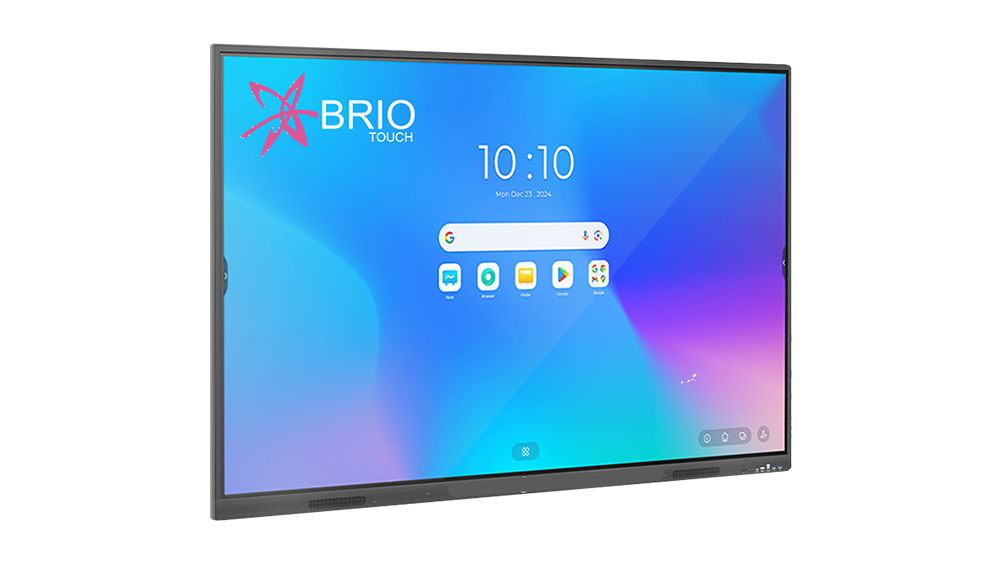
The Brio Touch 65-inch panel is our standard pick for a regular classroom: a 4K touch screen with Android 14 built in, so a teacher can write, play videos and open lessons without a separate computer.
Who is it for?
- Classrooms where the last row sits within about 5 metres. For a 65-inch screen, a rule of thumb is to keep the front row at least about 1.2 m away and the last row within about 4.9 m.
- Schools and coaching rooms that want a board, screen and speakers in one unit.
- Teachers who mainly use the whiteboard, YouTube, PDFs and pen-drive lessons.
- Not ideal if you need Google Play Store and Google Classroom with official support. For that, choose the 65-inch EDLA certified version.
Key specifications
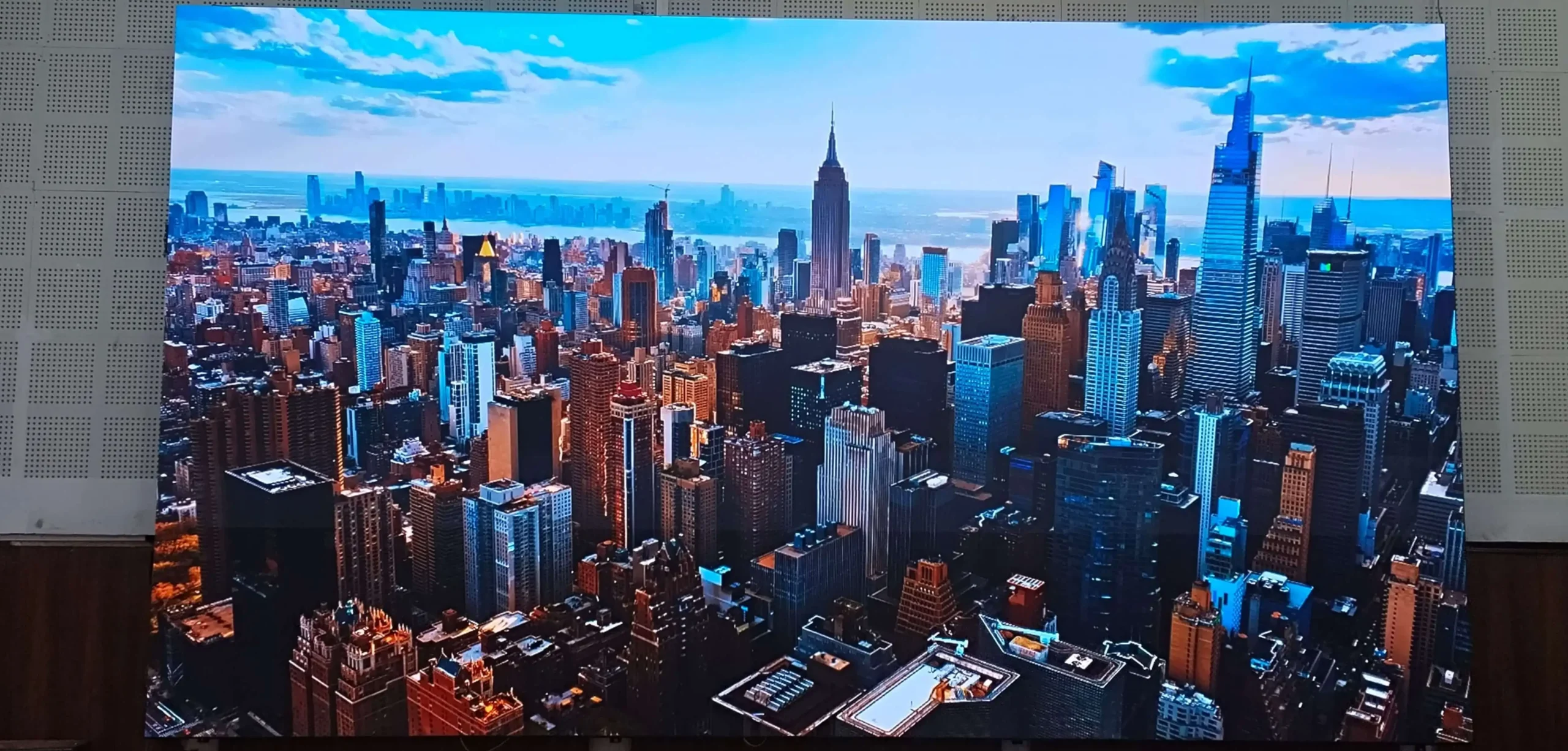
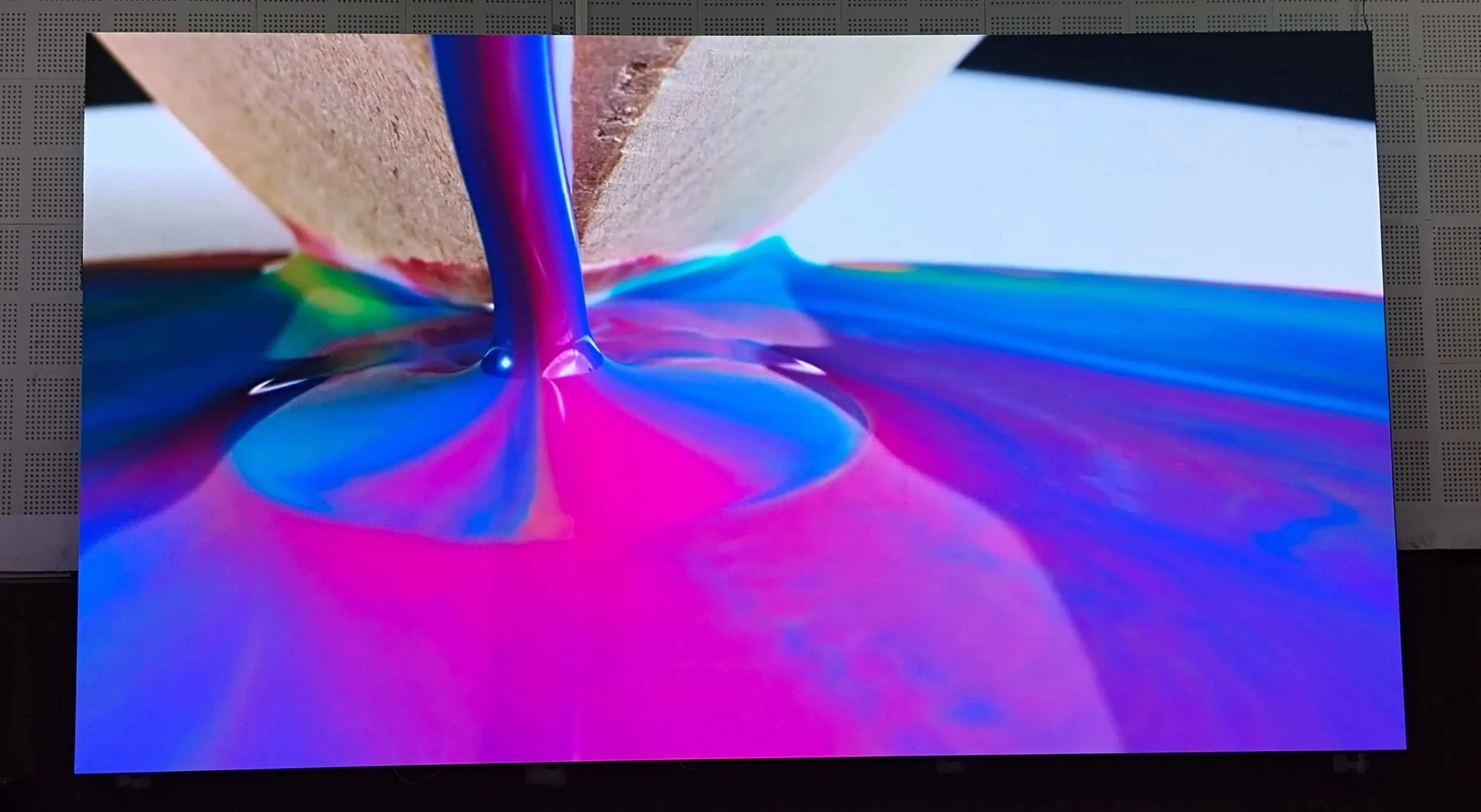
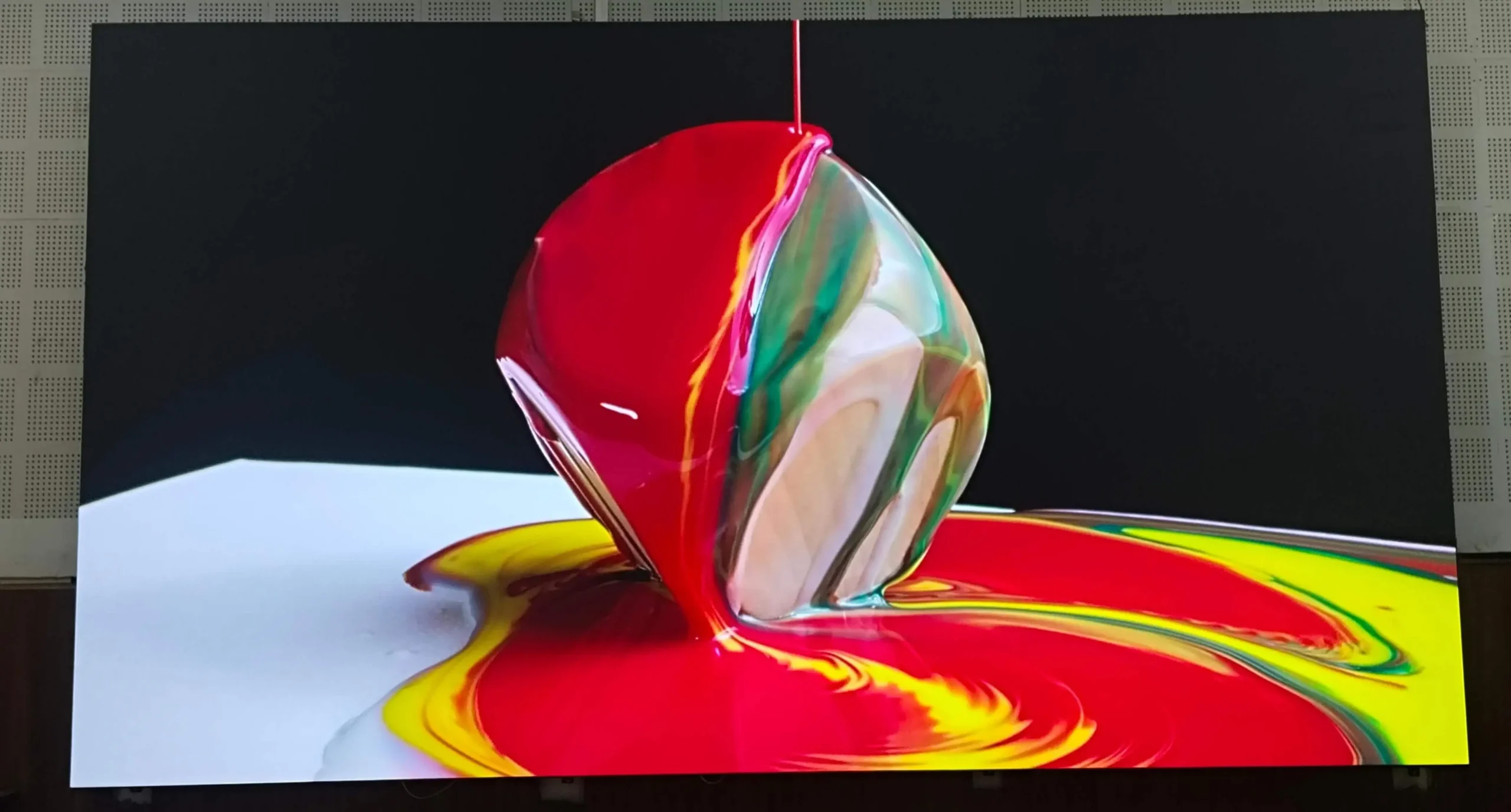
The 65-inch 4K UHD LED Touch Panel runs on Android 14.0 and is equipped with 8GB RAM and 128GB ROM. It features a commercial A-grade panel with a 16:9 visual ratio and a resolution of 3840 × 2160 pixels. The screen is protected by 4mm thick toughened anti-glare glass rated 8H on the Mohs scale, with a pixel pitch of 0.430mm and a 60Hz refresh rate. Utilizing Zero Bonding technology, it offers 1.07 billion (10-bit) display colors, 400 nits brightness, 72% color saturation, and a wide 178° viewing angle, ensuring clear, vivid, and immersive visuals from any direction.
What to check before you order
- Wall strength for a wall mount, or a movable stand if the wall is weak.
- A socket and proper earthing near the panel, and a UPS if power cuts are common.
- Whether you need Windows software. If yes, add an OPS PC.
- Mounting height for your youngest class. See our panel size and mounting height guide.
Questions buyers ask
Does this 65-inch panel need a computer?
No. It runs Android 14 with 8GB RAM and 128GB storage, so the whiteboard, browser, videos and files work on the panel itself. Add an OPS PC only for Windows software.
How big a classroom does a 65-inch panel suit?
As a rule of thumb, a 65-inch 16:9 screen suits rooms where the farthest student sits within about 4.9 m and the front row is at least about 1.2 m away.
What is the difference from the EDLA version?
The EDLA certified version is certified by Google for Play Store and Google apps. This standard version runs Android 14 without that certification.
Planning several rooms? Read our smart classroom cost guide or see smart classroom setup in Dehradun.
Need help choosing? Call the number at the top of the page or use the enquiry form. We supply, install and train across Uttarakhand, Uttar Pradesh and nearby states.

Reviews
There are no reviews yet.