
amicaassist@gmail.com
Transform Your Workspace: The Ultimate Guide to Corporate Digital Board Setup
In the modern era of hybrid work and rapid-fire decision-making, the traditional whiteboard is a relic of the past. To maintain a competitive edge, businesses are transitioning to interactive workspace solutions. A professional digital board setup is no longer a luxury—it is the heartbeat of the collaborative corporate environment.
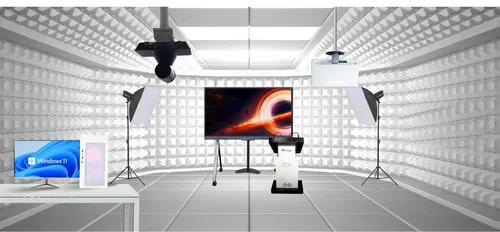
The centerpiece of your setup is the Interactive Flat Panel (IFP). Unlike standard televisions, these are built for 24/7 commercial use and high-precision touch.
Display Quality: Minimum 4K UHD resolution to ensure spreadsheets and presentations are crisp from the back of the room.
Touch Technology: Look for Infrared (IR) or P-Cap (Projective Capacitive) touch for a natural, lag-free writing experience.
Screen Size: Typically ranges from 65″ (huddle rooms) to 86″+ (boardrooms).
A seamless smart boardroom installation requires more than just a screen. Here is the hardware breakdown:
| Category | Equipment Item | Purpose |
| Computing | OPS (Open Pluggable Specification) | An internal PC module that slides into the board, eliminating messy cables. |
| Visuals | 4K PTZ Camera | A “Pan-Tilt-Zoom” camera for high-quality video conferencing integration. |
| Audio | Beamforming Mic Array | Ensures voices are picked up clearly from anywhere in the room. |
| Audio | Integrated Soundbar | High-fidelity audio for multimedia presentations and remote calls. |
| Mounting | Vesa Wall Mount / Mobile Stand | Wall mounts save space, while heavy-duty stands offer mobility between rooms. |
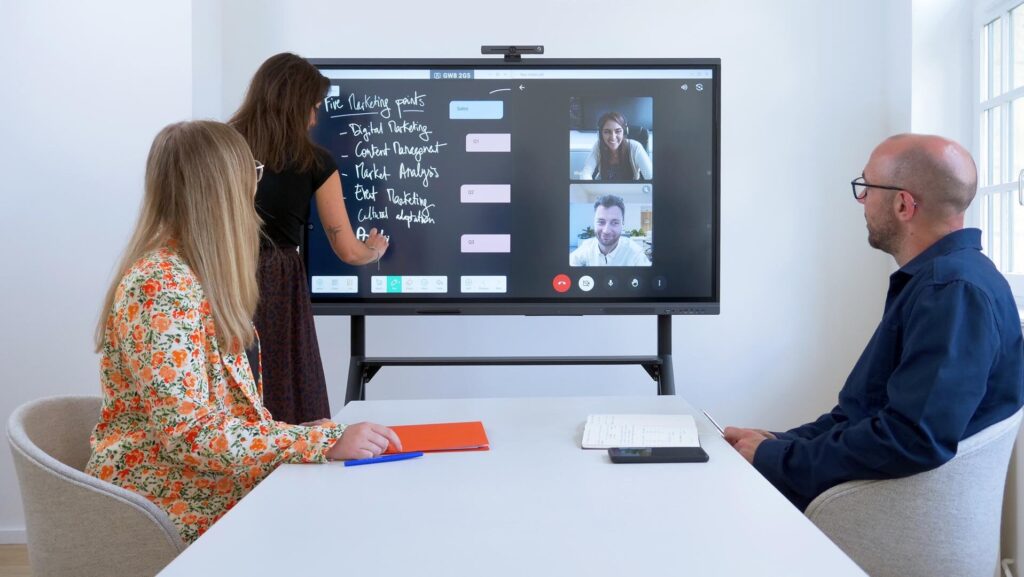
The goal of a digital board setup is to reduce friction. Your setup should support “Bring Your Own Device” (BYOD) workflows.
Wireless Presentation Systems: Tools like Miracast, AirPlay, or Chromecast allow employees to share screens instantly without hunting for dongles.
Unified Communications (UC): Native integration with Microsoft Teams, Zoom, and Google Meet.
Single-Cable Solution: USB-C connectivity that handles data, video, and charging simultaneously.
Hardware is only as good as the interface. For a corporate digital board, ensure the following software capabilities:
Digital Whiteboarding: Infinite canvas features with handwriting-to-text recognition.
Cloud Compatibility: Direct access to OneDrive, Google Drive, or Dropbox for pulling and saving meeting notes.
Security Protocols: Enterprise-grade encryption and remote management tools for IT departments to push updates.
Investing in collaborative technology isn’t just about the “wow” factor. It directly impacts the bottom line:
Reduced Meeting Friction: Start calls in seconds, not minutes.
Global Collaboration: Bridge the gap between in-office teams and remote stakeholders.