
Give every student a clear view of the board and clear sound from the lecturer, in the room or online. We plan, supply, install and support teaching rooms built for blended learning.
A hybrid classroom lets one lecture reach two audiences at once: students seated in the room and students joining online. A good hybrid classroom setup for colleges and universities treats the room as both a teaching space and a small broadcast studio, so remote learners never feel like second-row viewers.
Designed keeping Indian classrooms in mind — works well with power fluctuations, easy for teachers to learn, and strong enough for daily school use.
A tracking camera follows the lecturer, so nobody has to operate it during class.
Faculty and room questions are both heard clearly by every remote participant.
Slides, notes and board writing reach online students as a sharp content feed.
Each lecture is saved to your LMS, ready for absent or revising students.
The best hybrid classroom equipment for universities matches your room size and teaching style rather than chasing the biggest spec sheet. These are the building blocks we plan around.
Cameras for college hybrid classrooms should frame the teacher and the board without manual control. Seminar rooms can use a wide 4K webcam instead.
A wireless lapel or handheld mic captures the teacher, while ceiling or table units pick up student questions.
Placed near the front, a speaker lets in-room students hear remote participants naturally.
One screen carries content, while another shows online attendees so faculty can face the class and still see remote hands.
Capture combines camera, slides and audio into one recording and sends it to your LMS automatically.
A dedicated computer keeps start-up to one touch and avoids dependence on a lecturer's own laptop.
For Zoom vs Teams in university hybrid classrooms, pick the tool your campus licences already cover, and standardise across rooms.
Moodle, Canvas or Blackboard should hold schedules, attendance and recordings, whichever video platform you use.
Wired Ethernet, bandwidth priority for video, and live captions keep sessions stable and inclusive.
Good hybrid classroom design for colleges and universities starts on paper. Mark where the teacher moves, where light falls and where students sit, then place equipment around those facts.
Camera: mount on the rear wall at or just above eye level, so remote students see the face and the board together.
Microphones: hang them centrally above the seating, away from vents and projectors.
Seating: use a shallow arc or small clusters so every question is audible and nobody sits outside the frame.
Small rooms: one wide camera and a table microphone can cover about 20 seats.
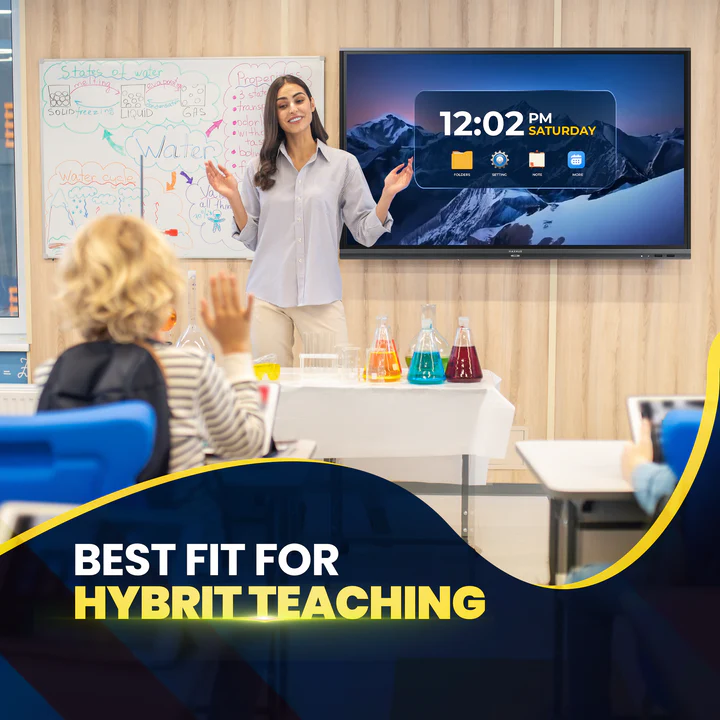
A hybrid classroom installation for a college does not need to disrupt timetables. Here is how we work, step by step.
Room audit
Measure the space and check light, power and network points.
Teaching plan
Decide how lectures, discussions and demos should look online.
Equipment package
Match camera, audio and display to the audit.
Clean installation
Mount, cable and label everything neatly.
Platform and LMS link
Connect scheduling, recording and attendance.
Training and test
Walk faculty through a live trial before the first class.
Hybrid classroom installation services for colleges should cover more than delivery. We survey, supply tested equipment, commission the system and stay reachable afterwards, so your hybrid classroom setup for colleges and universities keeps working term after term.
One Team, Start to Finish
Audit, equipment, installation and training from a single point of contact.
Room-Specific Planning
No template packages. Each room gets a plan that suits its size and use.
Faculty-Friendly Controls
One-touch start and a printed quick guide reduce support calls.
Ongoing Support
Help with updates, spares and annual maintenance after handover.
Share your room sizes and student numbers, and we will send a clear equipment plan and quote.
Visit Us Today Amica Smart Learn